In the Save File window, select your Desktop and click Save
Use the Shortcut on your desktop to logon in one simple step.
1 Click Logon can help!
By placing a shortcut on your desktop, you no longer will have to type in your username or password. Just double click the shortcut and you're ready to place an order!





 Click Save Login Shortcut
 If prompted to Open or Save, Click Save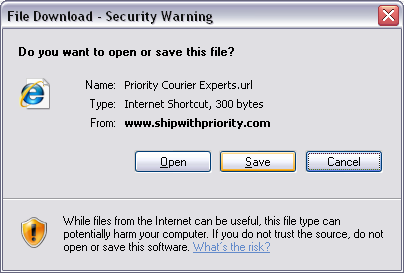
 In the Save File window, select your Desktop and click Save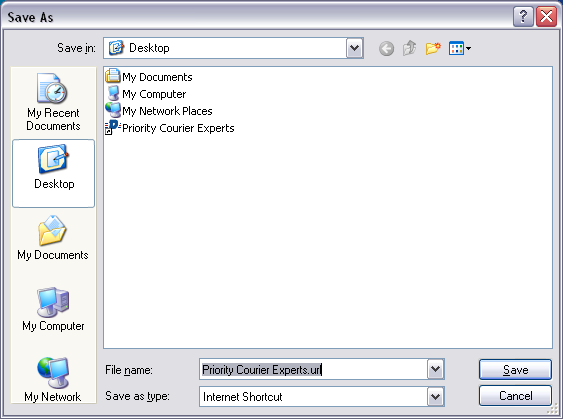
 Use the Shortcut on your desktop to logon in one simple step.